Loading
- Buyer protection on every order
- Real-time delivery tracking
- Human support, always

Loading guides
Loading
Loading guides
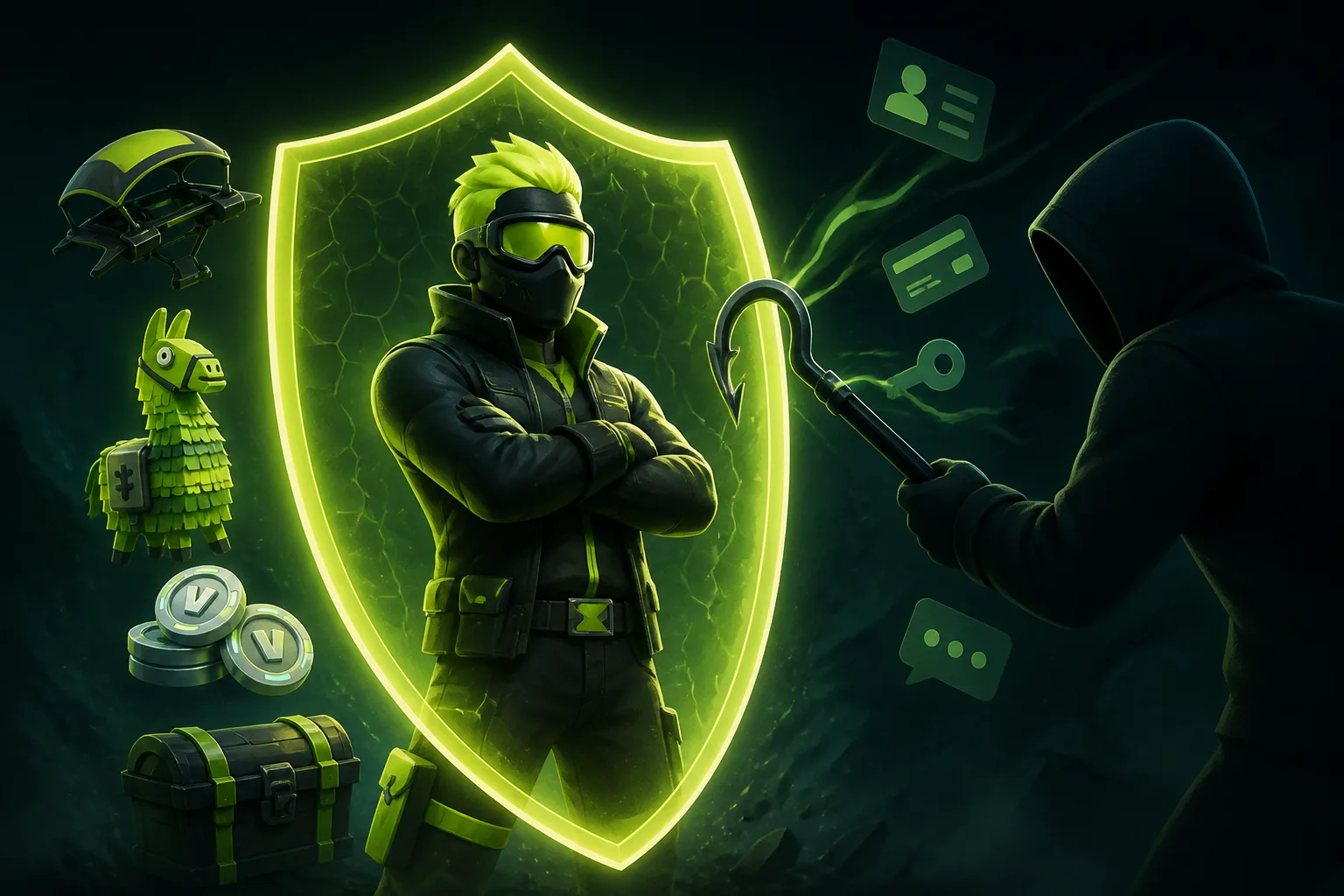
Some Fortnite top-ups may require game account login details. Learn what not to share, how to assess an unexpected request and when to pause for clarification.
A Fortnite top-up may require game account login details, depending on the package. Never share your ZOXERO password, banking login, full card number, CVC or payment verification code. ZOXERO says requirements vary by game and package, so check the product description and confirm unclear requirements with support before paying (How It Works).
Before providing any information, ask three questions:
If you cannot answer the first two questions clearly, do not guess or send extra information. Ask support what is needed for that specific package.
Treat a request as a reason to pause if it asks for any of the following:
Do not send the sensitive credentials above. For other unclear requests, ask ZOXERO support to confirm whether the information is necessary for delivery before you provide it. Requirements vary, so do not assume one Fortnite package uses the same process as another.
 Package & Value Guides3 min readHow to Set a Budget for a Fortnite Top-UpSet a clear Fortnite top-up limit, compare current package amounts without stretching your budget, and leave room for changing prices or availability.Read guide
  Package & Value Guides3 min readSmall vs Large V-Bucks Packages: A Practical ComparisonCompare small and large V-Bucks packages by planned use, leftover balance and current checkout cost instead of assuming that bigger is always better.Read guide
Suppose someone asks for your game account login details, but you are unsure whether your chosen package requires them. Don’t assume the request is valid—or that it is invalid. Check the selected package’s description and ask support to confirm the requirement before proceeding. If the request also asks for your ZOXERO password, card CVC or payment verification code, do not share those details.
If you have already placed an order and a request seems unclear, use the order chat to ask about it. ZOXERO says payment, chat, delivery updates and evidence stay together on one timeline, and that you can message support inside the order if there is an issue (How It Works). Keep your question specific: identify the information requested and ask whether it is needed for your package.
If you have not paid yet, check the current listing and ask support about any unclear account requirement before deciding. The Fortnite top-up page is the place to inspect the listing; the catalogue can change, so don’t treat an old screenshot or article as confirmation of what is currently offered.
Share only delivery information you understand and have confirmed for your package. Never share your ZOXERO password, banking login, full card number, CVC or payment verification code. If a request is unclear, pause and ask support.
These pages provide context for the guide. Check the product page for current requirements, availability and the final checkout total.
No. Requirements vary by game and package. Check the selected package’s description and confirm anything unclear with ZOXERO support before paying.
Pause before sharing the information. Ask ZOXERO support to confirm whether it is needed for your package. Never provide your ZOXERO password, banking login, full card number, CVC or payment verification code.
ZOXERO guides explain the decision. The ZOXERO Store shows the current stock, price and checkout total.