Loading
- Buyer protection on every order
- Real-time delivery tracking
- Human support, always

Loading guides
Loading
Loading guides
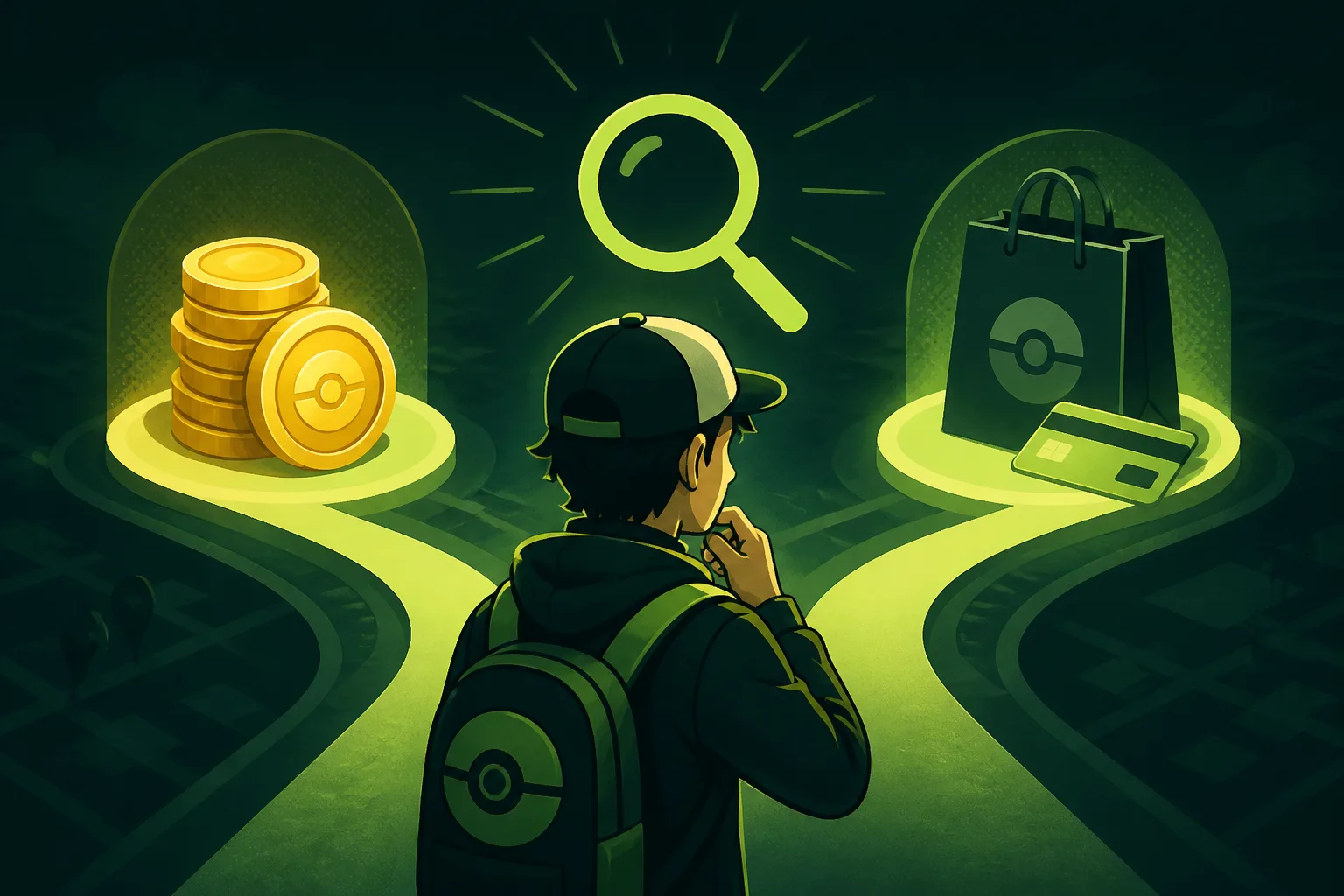
Use the Pokémon GO Shop to check whether an item is exchanged for PokéCoins or offered for direct real-money purchase before you top up.
Before buying PokéCoins, check the item in the Pokémon GO Shop: Niantic says premium items, clothing and avatar accessories can be exchanged for PokéCoins, while certain items—including event tickets and some bundles—may be available only for real money. See Niantic’s purchase instructions. The Shop display for the specific item is the practical check; the available information does not identify which current items use each method.
From the Map View, tap the Main Menu, then Shop. Select the item you want and review the purchase method shown there before buying coins. Niantic documents two routes:
These are general categories, not a guarantee about any particular item. Check the specific listing in your Shop rather than assuming every ticket, bundle or premium item follows the same rule.
For example, if you want an event ticket, first inspect that ticket in the Shop. If its listing says it is available only for real money, a PokéCoins balance does not make it purchasable with coins. If you are looking at a premium item with an Exchange option, coins may be the required route. This example explains how to read the options; it does not claim what any current listing offers.
 Package & Value Guides3 min readWhat to Do If Your Pokémon GO Package Is UnavailableDecide whether to choose another PokéCoins package or wait when your preferred ZOXERO option is unavailable or has changed.Read guide
  Package & Value Guides3 min readShould You Buy PokéCoins Now or Wait?Decide when to place a PokéCoins top-up by weighing purchase certainty, budget timing, current listing details and the risk of buying too early.Read guide
Do not estimate an item’s cost in coins from another listing or assume a category determines the method. Return to the exact item’s Shop display and verify the option shown. For the publisher’s instructions on buying and exchanging PokéCoins, see Niantic’s Pokémon GO purchase guide.
If you decide to top up through ZOXERO, check the package details and total before checkout; its Pokémon GO page lists current options. That catalogue does not establish the payment method for individual in-game items—use the item’s own Shop display for that check.
These pages provide context for the guide. Check the product page for current requirements, availability and the final checkout total.
No. Niantic says certain items, including event tickets and some bundles, may be available only for real money. Check the specific item's Shop display.
Niantic says the purchase is completed through Google Play or Galaxy Store on Android, or the App Store on iOS.
ZOXERO guides explain the decision. The ZOXERO Store shows the current stock, price and checkout total.